Changelog

What’s new in Travada Books.

Product updates and company news, newest first. Each one says what changed and where to find it.

Company

A new home at travadabooks.com

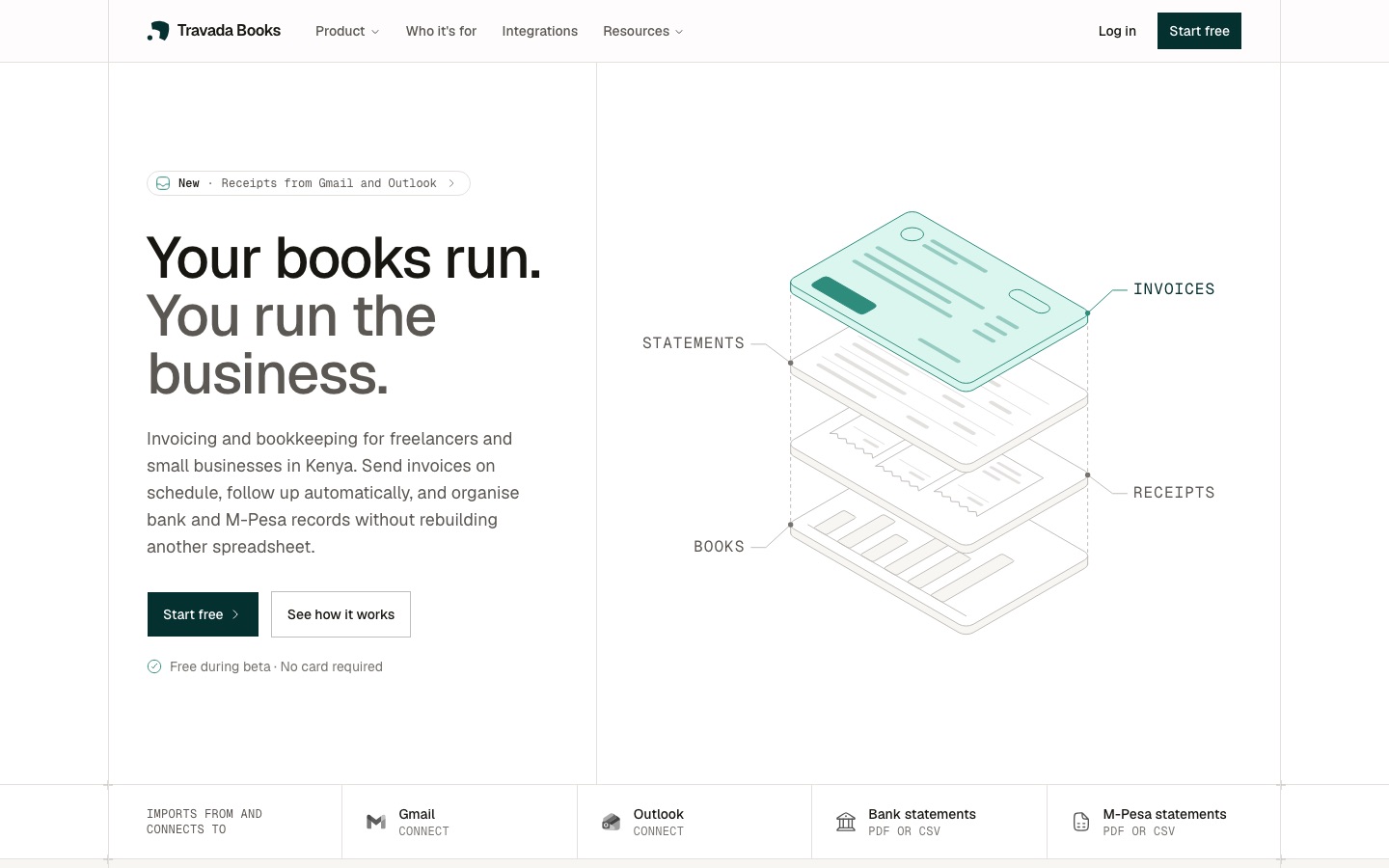
Travada Books has a new home at travadabooks.com. It's where we explain what the product does, show how it works, and keep a record of what changes.

A page for each part of the product

Invoicing, quotes, payments, the customer portal, statement import and Inbox each have their own page now. Each one shows what the feature does day to day, with answers to common questions.

The integrations page shows what connects today and what's still on the way. Anything that isn't ready is labelled as coming soon.

A help centre

Guides walk through getting set up and the routine jobs, step by step, with longer reads on running the books for a business in Kenya.

This changelog

Every product update now gets written up here, newest first. Filter by product or company news, or share a link to a single update.

Travada Books is free while it's in beta. If something takes more steps than it should, email info@travadabooks.com. A person reads every message.

Product

Custom fields on invoices and quotes

Some invoices need more than a description and an amount. A clearing agent needs the container number, a supplier needs delivery terms, a customer's accounts team needs a purchase order reference. Until now that detail had to be squeezed into a line item or the notes.

Your own labels

Add up to eight custom fields to an invoice or quote. Each one is a label and a value, such as Container No. and the number itself. They're off until you add one, so invoices that don't need them look exactly as before.

If you use the same labels every time, set them once as default custom fields in your invoice settings. New invoices start with those labels in place, ready for the values.

Everywhere the invoice goes

Custom fields appear wherever the document does:

  • the invoice or quote page in Travada Books
  • the link your customer opens
  • the PDF
  • a duplicated invoice
  • every invoice a recurring series creates
  • the invoice made from an accepted quote

See invoicing.

Product

Connect Gmail or Outlook to your inbox

The forwarding address works, but it still asks you to remember to forward. Now you can connect the mailbox your receipts already arrive in and let Travada Books collect them.

Gmail and Outlook

Go to Settings → Integrations and connect a Gmail or Outlook account. Gmail came first, and Outlook followed a day later with the same setup.

What it picks up

Travada Books looks for PDF attachments, such as receipts and supplier invoices, and brings them into your Inbox. From there they're read, matched to a transaction and filed in the Vault exactly like a forwarded receipt. Anything from a sender on your blocklist is skipped.

Connected accounts are checked every six hours. If you're waiting on a receipt, open the account's detail page and press Sync now.

Your mailbox stays yours

  • Access is read-only. Travada Books can't send, delete or change your email.
  • It only brings in PDF attachments, not your messages.
  • Sign-in tokens are encrypted before they're stored.
  • Disconnect whenever you like from the same page.

See how Inbox works.

Product

A roomier settings page

Settings had outgrown its narrow column. Forms were squeezed into a strip down the middle of the screen, and every new section made the sidebar longer.

Tabs across the top

Settings and Account both use a wider, tabbed layout now. Settings is split into General, Team, Categories, Inbox and Integrations, each one tab away. Forms use the full width of the page instead of a thin column, so there's less scrolling to find the field you want.

Integrations as cards

The Integrations tab is now a gallery. Each integration gets a card that shows whether it's connected, with a switch to turn it on and a confirmation before anything is disconnected.

Open a connected card for its detail page: the accounts you've connected, Sync now, Reconnect and Remove for each one, and a plain-language list of what Travada Books can and can't access.

Integrations that aren't ready yet sit in the same gallery, clearly labelled as coming soon, so you can see what's on the way.

See every integration.

Product

Invoices can now be paid in parts

A customer sends half now and promises the rest at the end of the month. Until now an invoice was either unpaid or paid, so that half had nowhere to go. Now it does.

Record what came in

Open an invoice and record a payment: the amount, the date, how it was paid, and a reference or note if you have one. Record the whole balance at once or part of it whenever money arrives. "Mark as paid" still works as a one-click shortcut for the full balance.

A status that keeps up

Pay part of an invoice and it shows as Part-paid, with the balance due beside the total. Pay the rest and it's marked paid. Delete a payment recorded by mistake and the status corrects itself. Each invoice keeps a payment history, so you can see what arrived and when.

Recording more than the balance asks you to confirm the overpaid amount first, so a typo can't slip through.

Totals that match your bank

  • The summary cards above your invoice list now count money collected, not just invoices settled.
  • Each customer's page shows what's been invoiced, paid and still owed, part payments included.
  • Reminder emails show the balance due rather than the original total.
  • Statements credit what's actually been received against each invoice.
  • Every payment you record also lands in your transactions, linked to the invoice it paid.

See how payments work.

Free during beta · No card required

Do the work. Not the paperwork.

Set up the books once. Give the business your attention.

Start free